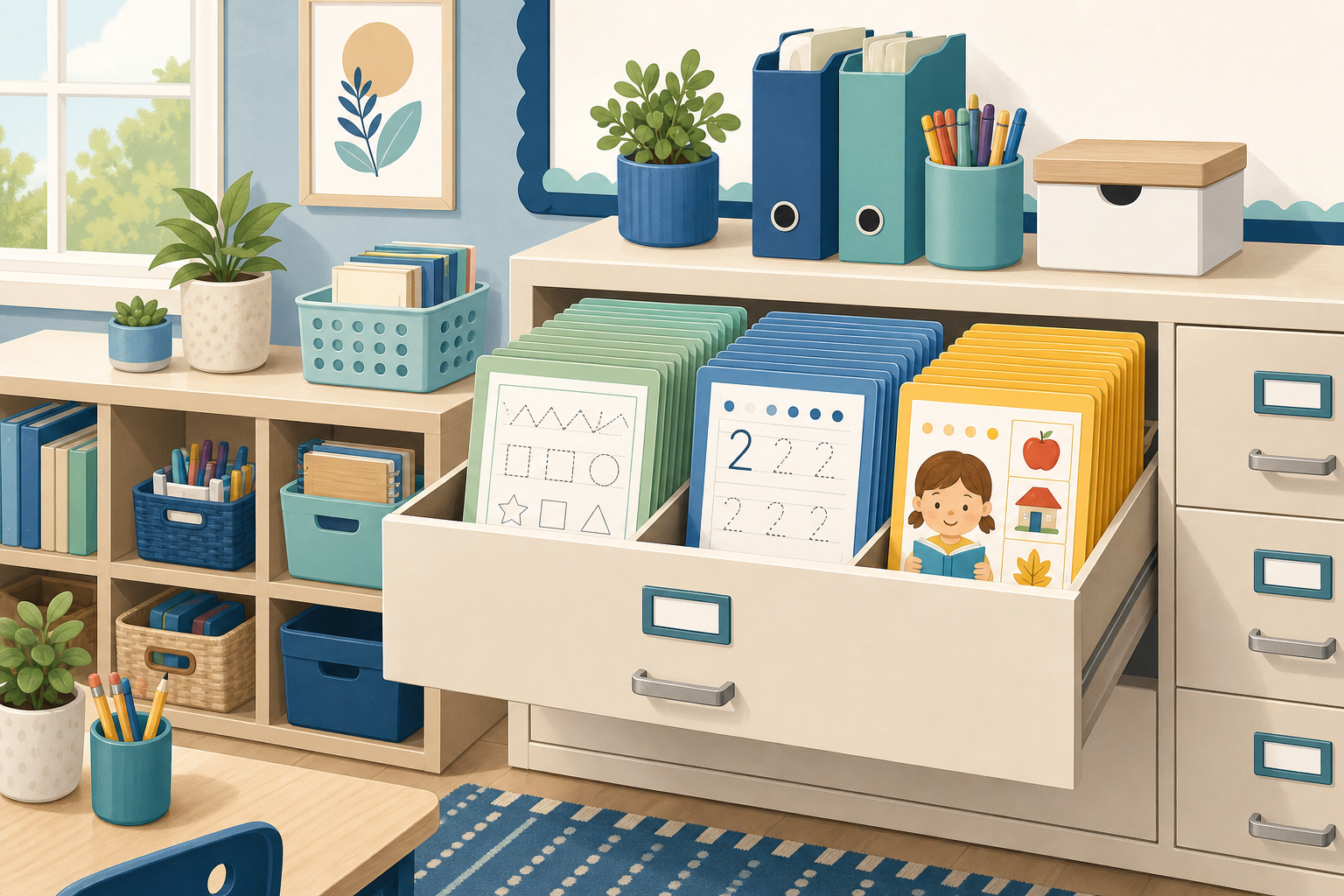
Learning how to organize your classroom printables library saves hours of searching and cuts the stress of Sunday-night prep. Most teachers have more worksheets than they can use—stuffed drawers, mystery PDF folders, and stacks of copied pages from years past. A simple system sorted by subject, labeled clearly, and paired with on-demand generators turns chaos into a library you can actually use.
Organization is not about Pinterest-perfect bins. It is about finding the right printable in under a minute when a lesson needs a practice page, a sub arrives, or a parent asks for extra work. This guide walks through a six-step setup, a color-coded folder system, and what to keep versus recycle.
Why Does Printables Organization Matter for Teachers?
Disorganized printables cost time and money. Teachers reprint what they already have, buy resources they forgot they owned, or default to busy work because the right sheet is buried. A lean library means every page you file—or bookmark—has a clear purpose in your yearly plan.
Organization also supports good instruction. Our effective classroom worksheet guide stresses short, purposeful practice. That is easier when you can grab a skill-matched page in seconds instead of digging through unlabeled stacks.
New teachers especially benefit from a simple system early. Build the habit before the collection grows to three filing cabinets. Veteran teachers can reclaim a planning period with one afternoon purge and relabel session.
What Is a Six-Step System to Organize Printables?
Block two to three hours once—start of year or a break week—to set this up. Maintain it with a fifteen-minute Friday routine described below.
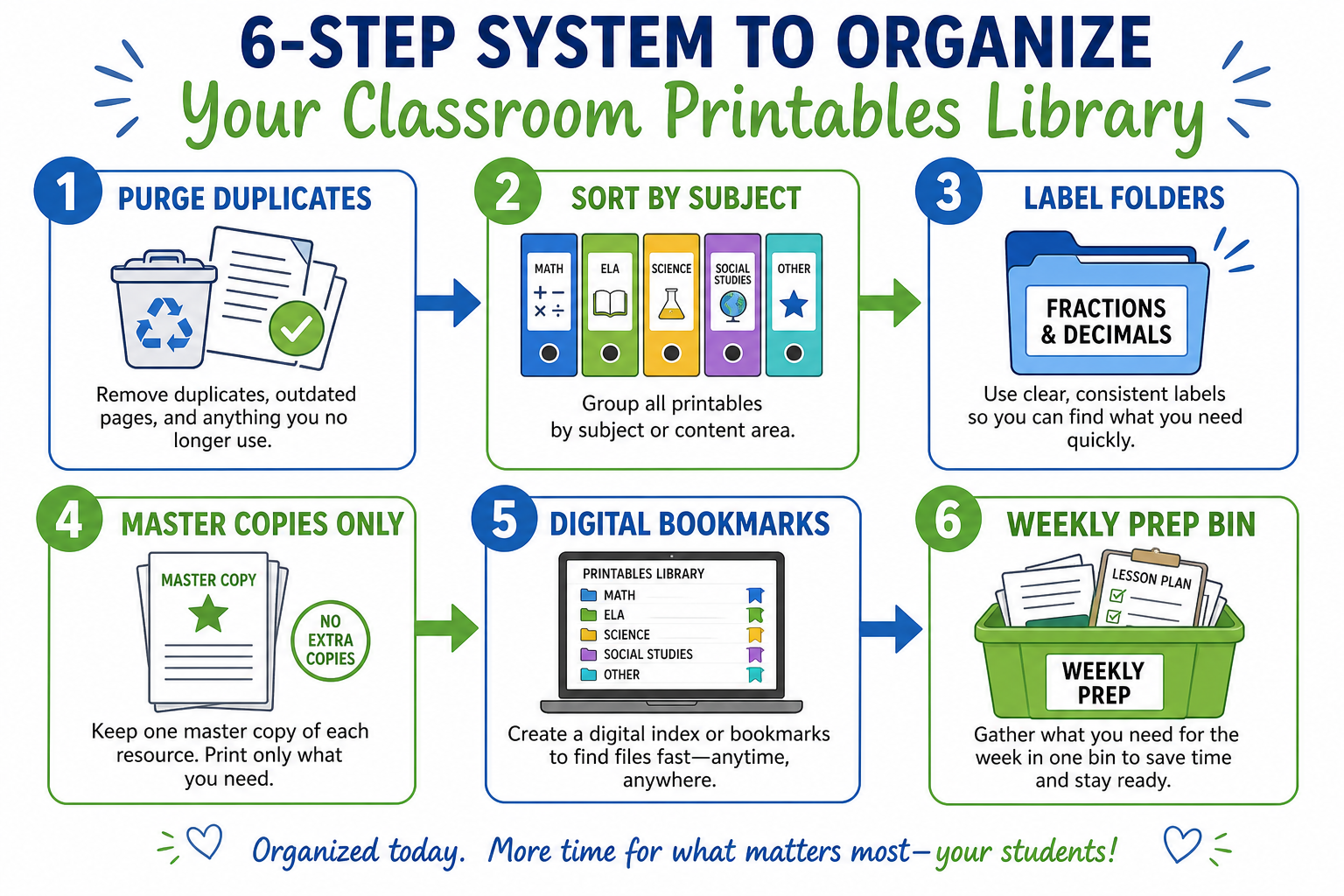
1. Purge duplicates and dead weight
Pull everything out once. Toss extra copies, broken pages, and resources from old units you no longer teach. If it is not aligned to your current standards, recycle it.
2. Sort by subject, then skill
Main buckets: math, reading/writing, tracing/handwriting, assessments, seasonal. Inside math, use subfolders: facts, place value, fractions, word problems.
3. Label every folder clearly
Use the same format: Subject — Skill — Grade if needed. Example: Math — Addition Regrouping — G2. Labels facing forward save Sunday night panic.
4. Master copies only
One master per resource in a sheet protector. Student copies get printed weekly—not stored for months. Stale packets waste space and often do not match what you taught last week.
5. Bookmark generators and go-to pages
Replace fat binders with a one-page links doc: math generator, tracing generator, quiz tool, and your five most-used worksheet landing pages.
6. Build a weekly prep bin
Every Friday, pull next week’s masters into one bin: morning work, homework, center sheets. Monday morning becomes grab-and-go.
How Should You Label and Color-Code Folders?
Color coding speeds visual search. Pick one color per subject and stick to it all year. Label tabs with subject, skill, and grade only if you teach multiple levels.
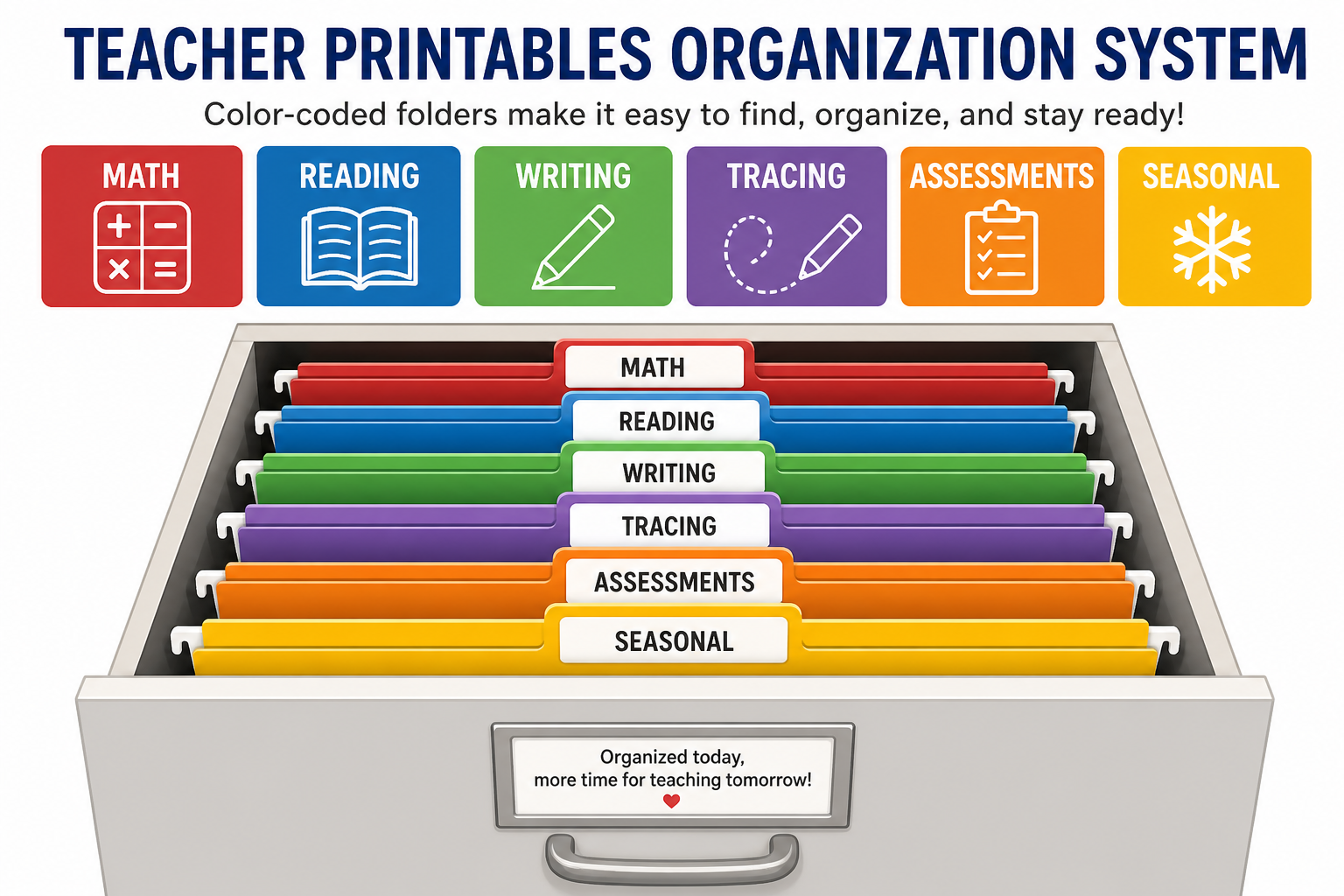
| Category | What goes inside | Label example |
|---|---|---|
| Math | Operations, place value, fractions, fact fluency | Math — Multiplication Facts |
| Reading & writing | Comprehension, grammar, writing prompts | ELA — Sentence Editing |
| Tracing & handwriting | Names, letters, numbers | Tracing — Letter Formation |
| Assessments | Quizzes, exit tickets, checklists | Assess — Unit 3 Fractions |
| Reference charts | Place value, multiplication, number lines | Charts — Wall Display |
| Seasonal & spare | Holiday, back-to-school, spare time | Seasonal — Winter |
Grade-specific starter lists help fill folders intentionally. See our first grade printables guide for a curated essentials list instead of random downloads.
Should You Use Physical Files or Digital Bookmarks?
Use both—but lean digital for anything you can regenerate. Physical masters make sense for reference charts, tracing templates you reuse unchanged, and sub-folder emergency plans. Dynamic practice belongs online.
- Math worksheet generator — fresh problems by operation and range
- Tracing worksheet generator — custom names and letter sets
- Quiz generator — assessments without filing old tests
- Quiz library — ready-made practice by topic
Homeschool families use the same approach—our homeschool printables guide recommends generators over giant downloaded bundles. One bookmarks doc replaces a cluttered downloads folder.
Replace clutter with on-demand printables
Bookmark generators—print what you need, when you need it.
What Weekly Prep Routine Keeps the Library Useful?
Organization fails without maintenance. Spend fifteen minutes every Friday:
- Pull masters for next week’s units into the prep bin
- Print or queue pages you need Monday–Wednesday
- File returned extras into recycling—not back into drawers
- Add one new bookmark if you found a useful generator page
- Note any skill gap for differentiated tiers—see our differentiation guide
Morning work fits this bin naturally. Our morning work routine article shows how to stack five days of sheets in one folder labeled Week of [date].
What Should You Keep vs. Purge?
When in doubt, ask: Can I print a better version in under a minute? If yes, recycle the paper copy and save the link instead.
| Keep | Purge |
|---|---|
| Masters for skills you teach every year | Fifty extra copies of the same page |
| Laminated reference charts | Outdated standards alignment sheets |
| Bookmarks to generators and favorite URLs | USB drives you never open |
| One strong resource per skill | Six versions of the same addition sheet |
| Differentiated tier templates | Packets you inherited and never used |
Popular landing pages worth bookmarking instead of hoarding PDFs:
- Kindergarten math worksheets
- 2nd grade math worksheets
- 3rd grade math worksheets
- Place value chart
- Name tracing worksheets
Key Takeaways
- Sort printables by subject and skill—not by random download dates.
- Keep master copies; print student sets weekly instead of stockpiling.
- Bookmark generators to replace bulky PDF libraries.
- Use a Friday prep bin for next week’s grab-and-go materials.
- Purge duplicates yearly—one great resource per skill is enough.
Conclusion
A organized classroom printables library is a working tool, not a museum of every worksheet you have ever downloaded. Purge, label, bookmark generators, and maintain a weekly prep habit. You will spend less time searching and more time teaching—and your filing cabinet might finally close all the way.
Block one afternoon this month for the six-step setup. Future you—the one facing Monday at 7 a.m.—will be glad you did.
Build a lean library with on-demand tools
Free math, tracing, and quiz generators. Print anytime, no signup.
Free Worksheet GeneratorsRelated Articles
- How to Use Worksheets Effectively in the Classroom — use your library with purpose
- Printable Resources Every 1st Grade Teacher Needs — curated essentials to file first
- Morning Work Routine with Worksheets — weekly prep bin in action
Frequently Asked Questions
Sort printables by subject or skill—not by where you found them. Use labeled folders or drawers for math, reading, writing, tracing, assessments, and seasonal items. Keep master copies only and print fresh sets as needed. Bookmark free generators for custom pages instead of hoarding hundreds of duplicate PDFs.