To print worksheets economically, use draft mode, grayscale, and duplex settings, print only the pages you need, and generate custom sheets with fewer problems instead of full workbooks. Print on demand each week, laminate shared reference charts, and reserve paper for handwriting and show-your-work math while using digital tools for quizzes and games when possible.
Teachers and homeschool parents can spend hundreds per year on ink, paper, and pre-made workbooks. Most of that waste comes from printing too much, too often, in the highest quality settings. This guide covers money-saving print settings, paper choices, print-on-demand habits, when to skip printing, and a weekly routine that cuts waste without cutting practice.
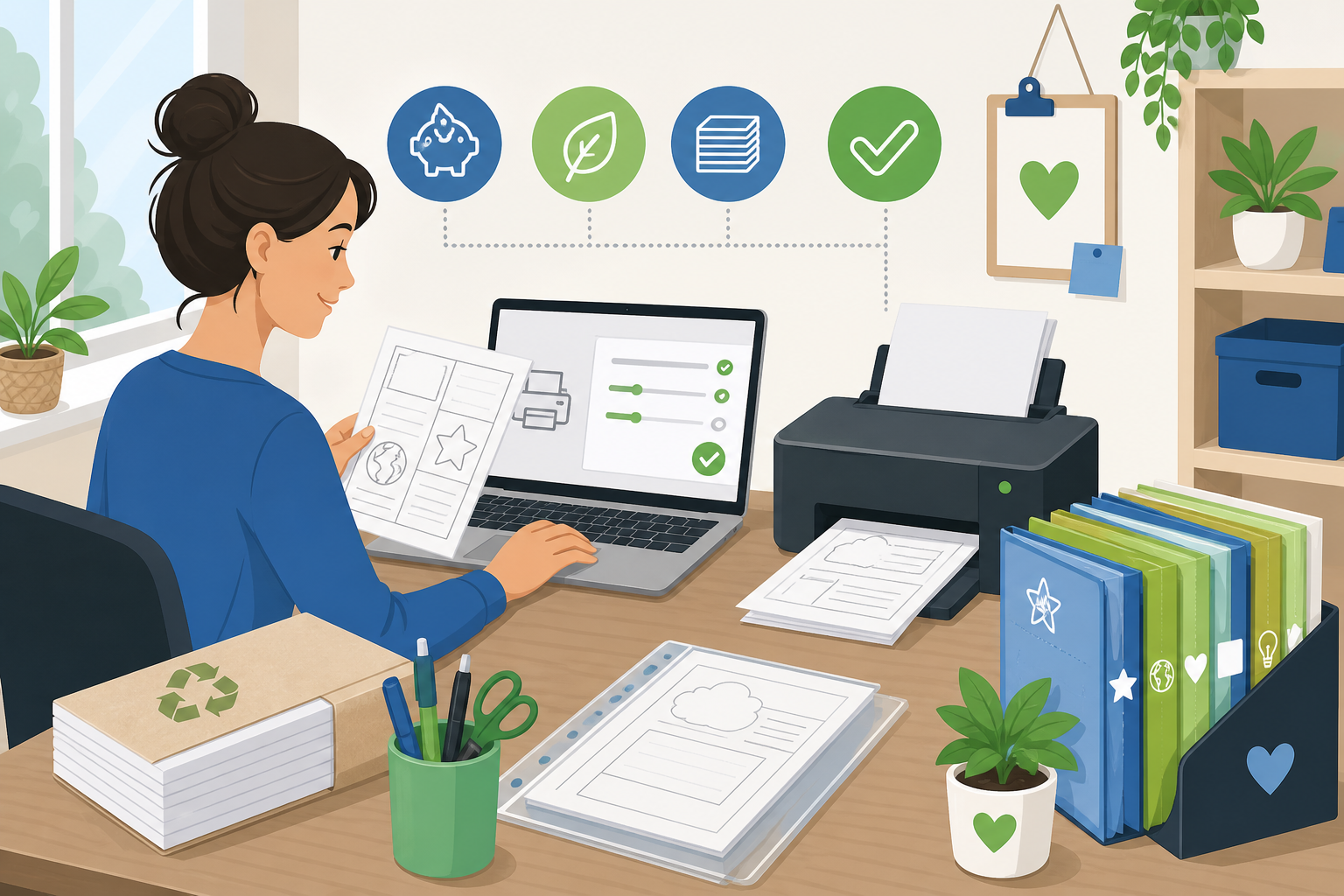
Why Do Printing Costs Matter?
A classroom of 25 students printing two pages daily uses roughly 250 pages per week. At home, homeschool families printing full curriculum packets can burn through a cartridge in a month. Ink often costs more than paper—and both add up when every page runs in full-color, high-quality mode.
Economical printing is not about giving students less practice. It is about printing the right pages, in the right settings, at the right time. Pair these habits with organizing your printables library so you never duplicate what you already filed—or what you can regenerate in sixty seconds.
Which Print Settings Save Money?
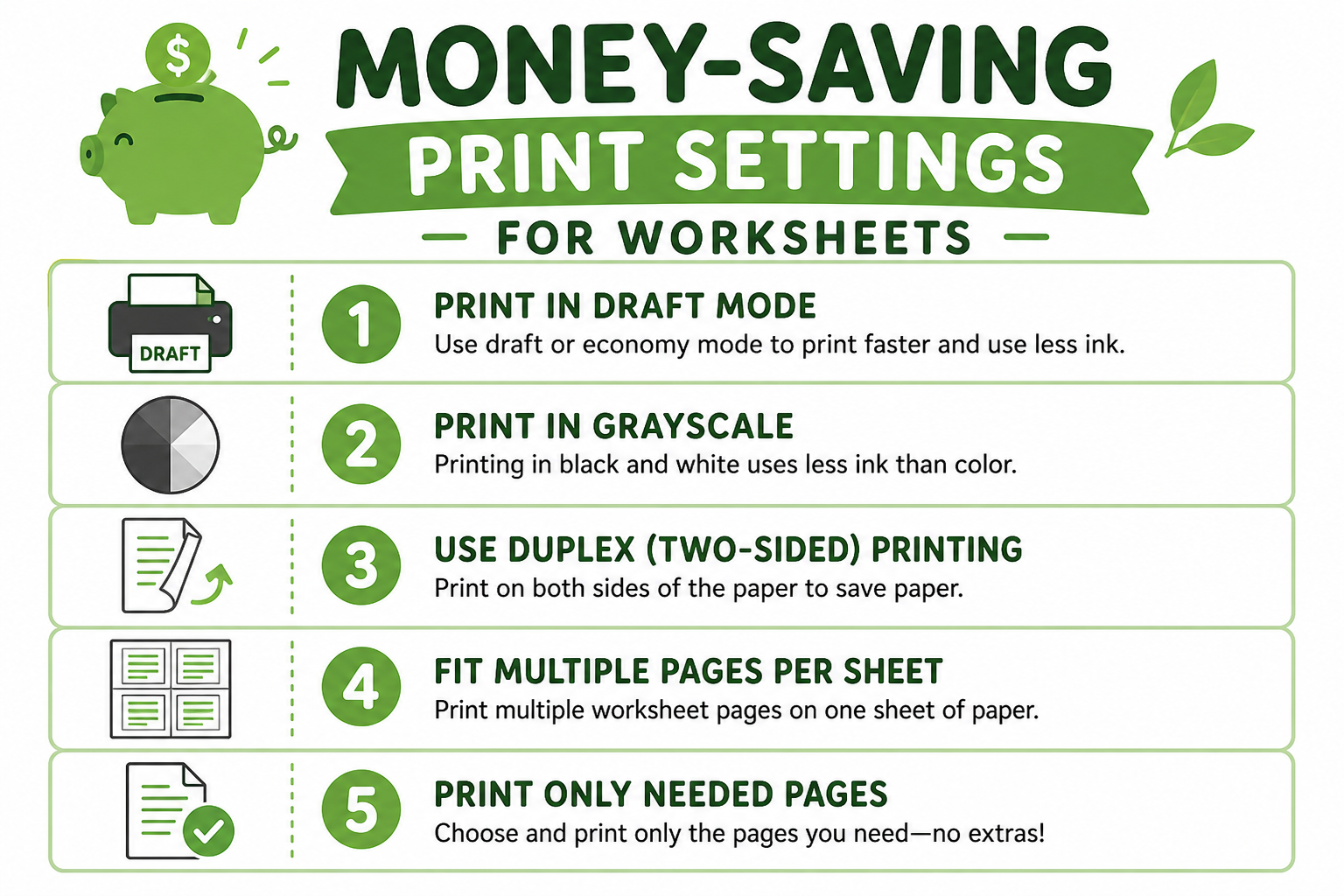
Change defaults once in your printer preferences. Most worksheet pages look fine in draft mode; students rarely notice on standard copy paper.
| Setting | Savings | Tip |
|---|---|---|
| Draft or toner-save mode | Uses less ink per page; fine for math drills and tracing | Switch to normal quality only for final portfolios or displays |
| Grayscale | Color ink costs more; most worksheets do not need it | Keep color for maps, science diagrams, or reward certificates |
| Duplex (two-sided) | Cuts paper use roughly in half | Check that problems do not run into the binding margin |
| Print selection only | Print pages 1–2 of a 10-page PDF, not the whole file | Preview layout before sending to the printer |
| Multiple pages per sheet | Fit two flash cards or small drills on one page | Best for flash cards and short review strips |
| Custom problem count | Generate 8 problems instead of 30 from a worksheet tool | Use the math or tracing generator to match the day's goal |
The EPA paper recycling guidelines remind us that reducing use comes before recycling. Fewer misprints mean less waste in the bin and less money spent.
How Do Paper and Supplies Cut Costs?
- Buy paper in bulk during July and August sales; store flat and dry.
- 20 lb copy paper is enough for daily math and tracing—skip premium paper unless art projects require it.
- Half-page drills: Generate shorter worksheets from the math worksheet generator instead of printing full workbook pages.
- Reuse backs of one-sided misprints for rough practice or scratch work.
- Compare inkjet vs. laser: High-volume printers often save with laser toner over time; low-volume homeschool setups may prefer budget inkjet with draft mode.
- Compatible cartridges can cost less than OEM; test one before buying in bulk.
Print only what you need this week
Custom math and tracing worksheets—pick problem count, grade, and topic, then print in draft mode.
Why Print on Demand Beats Bulk Copying?
Bulk copying an entire unit in August feels efficient—until half the packet does not match what you actually taught in October. Print-on-demand means generating this week's addition sheet on Sunday, not storing 500 pages that go stale.
Homeschool families save the same way. Our free homeschool worksheets guide and budget curriculum guide both recommend printing weekly from generators instead of buying new workbooks every quarter.
When Should You Print vs. Go Digital?
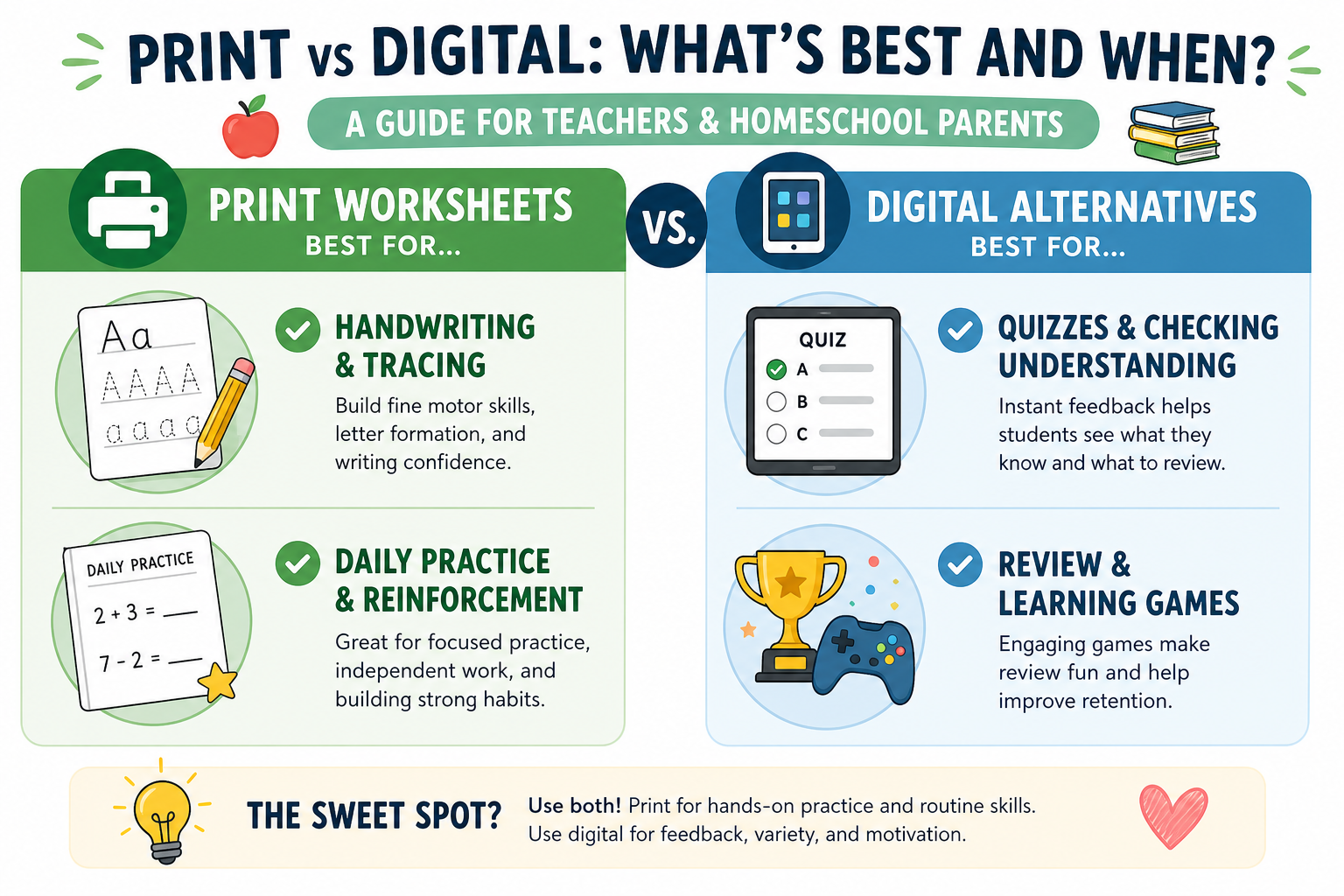
Not every practice session needs paper. Save printing for tasks that require pencil, formation, or written work you need to review.
| Scenario | Best choice | Why |
|---|---|---|
| Tracing and handwriting | Students need pencil on paper for letter formation | |
| Daily math practice (5–10 problems) | Show work and teacher review; short pages cost little in draft mode | |
| Weekly fact quiz | Either | Print a sheet or use the quiz generator on a tablet for auto-grading |
| Reference charts | Print one laminated | One classroom copy beats 25 student copies |
| Games and review | Digital when possible | Project on board or use devices; save paper for written work |
The quiz generator works well for screen-based review when you want to skip printing a quiz copy for every student.
What Budget Tips Work for Classrooms?
- Set a weekly page budget per student (e.g., 10–15 pages)
- Share a school copier code for bulk unit packets once per quarter
- Laminate one master chart; students reference instead of each getting a copy
- Use sheet protectors and dry-erase markers for reusable practice
- Bookmark generators—print fresh problems instead of storing stale stacks
- Pool paper orders with grade-level teams for bulk pricing
- Track ink levels; replace cartridges before emergency rush purchases
Effective worksheet use also means printing less junk—see how to use worksheets effectively for quality-over-quantity habits that naturally reduce print volume.
What Weekly Print Routine Saves Waste?
Key Takeaways
- Default to draft mode, grayscale, and duplex for routine worksheets.
- Print on demand from generators—not bulk packets that go unused.
- Buy paper in bulk; generate shorter custom pages to save ink.
- Print handwriting and show-work; use digital tools for quizzes when possible.
- Set a weekly page budget and purge stale pre-copied stacks monthly.
Conclusion
Learning how to print worksheets economically protects your budget without cutting student practice. Adjust printer settings once, print only what each week requires, and bookmark generators so every page matches your current lesson. Less waste in the recycling bin usually means more intentional practice on the desk.
Switch your printer to draft and grayscale tonight, generate one eight-problem math page for tomorrow, and recycle the pre-copied stack you have not touched since February. Those three moves often cut costs within the first month.
Print smarter with custom worksheets
Choose problem count and topic—print only what you need, nothing more.
Free Math Worksheet GeneratorRelated Articles
- How to Organize Your Classroom Printables Library — pair organization with on-demand printing
- Free Printable Worksheets for Homeschool — weekly print planning for families
- Building a Homeschool Math Curriculum on a Budget — cut curriculum and print costs together
Frequently Asked Questions
Use draft or toner-save mode, print in grayscale unless color is essential, and select only the pages you need. Print two-sided when your printer supports duplex. Generate custom worksheets with fewer problems per page instead of printing full workbooks. Preview before printing to catch layout errors that waste paper.